
Short Throw vs Ultra Short Throw Projectors for Small Rooms
Start with a floor plan if your projector needs to fit close to the screen. Short throw and ultra short throw (UST) models can both save space, but their lens position, image offset and screen requirements affect where you can put the furniture.
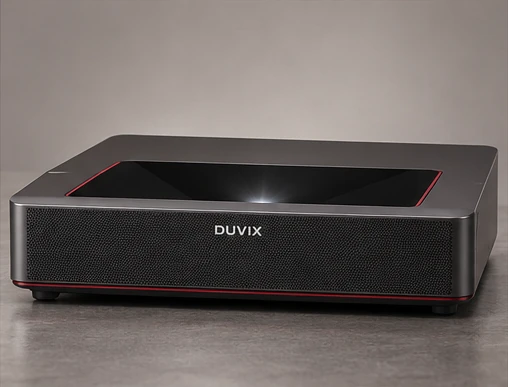
Measure from the manufacturer’s reference point
Pick the desired image width and find the model’s installation diagram. For a typical throw-ratio calculation, multiply the ratio by image width to estimate lens distance. Use the diagram for a UST model because the manufacturer may specify distance from the rear of the cabinet or show additional offset dimensions.
Leave space for the chassis and cables
Measure console depth, the rear cable bend and the gap between the projector and wall. Check how high the projected bottom edge will land at your chosen size. For a short throw model on a stand or ceiling mount, walk through the room and see whether anyone could cross the beam.
Match the screen to the lens
Confirm the screen’s supported throw geometry before buying a directional material. A screen that works with a conventional ceiling-mounted projector can send much of the light from a tabletop UST model away from the audience. See the UST and ALR screen guide for the pairing checklist.
Reference guide from Epson throw distance and positioning guide.
What to compare before buying
Compare the throw dimensions at the same image size, including cabinet depth and clearance from the screen wall.