
ALR Screens for Ultra Short Throw Projectors
Choose a screen designed for ultra-short-throw projection and check its orientation, cabinet clearance, and image alignment.
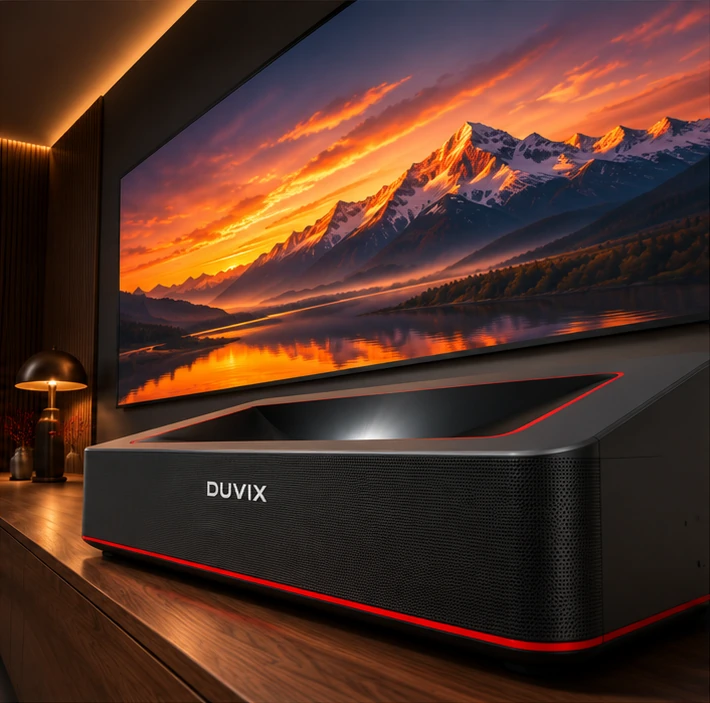
Match the screen to the projector’s light path
A UST projector sends light upward from close to the screen. Look for a screen specified for UST projection and confirm its required orientation. An ALR screen made for a different projection direction may not work well with a tabletop UST model.
Check lighting from the seating positions
Test with ceiling lights and daylight as you normally use them. An ambient-light-rejecting screen helps with some incoming light directions. Blinds and thoughtful lamp placement can still make a visible difference. Check the picture from side seats as well as directly in front.
Measure before you order furniture
Check the manufacturer’s placement diagram for the chosen image size. Allow room for the cabinet depth, lens position, cable bend and ventilation. Ask for confirmation of the projector and screen combination before buying either item. Share room photos or a floor plan with your quote request if layout is tight.
Explore the DUVIX Home Cinema setup → · Request a quote →
What to compare before buying
Check that the ALR material is designed for the direction of light from your UST projector, then test it under the room’s lighting.