
Projector HDMI No Signal: Cable, Input and Display Fixes
Find out why your projector shows No Signal and isolate problems with the input, source, cable, or HDMI switch.
Start with the source and input
Wake the laptop, console or streaming device, then select the numbered HDMI input the cable is actually connected to. On a laptop, enable an external display and temporarily use a resolution supported by the projector. Test a known working source if the first one still produces no picture.
Test the shortest signal path
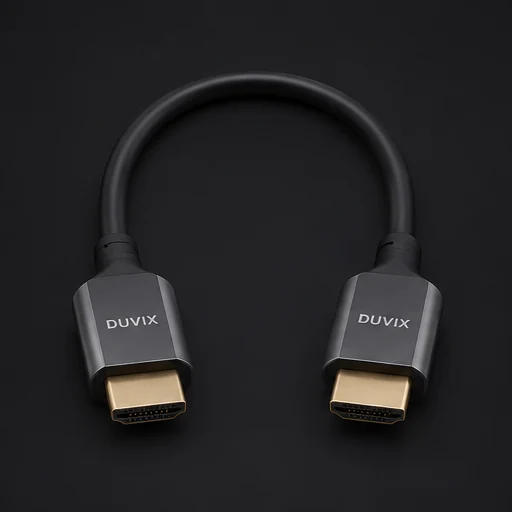
Connect the source straight to the projector with a known working short cable. Leave out the receiver, wall plate, splitter and adapters during this test. If the picture returns, put each device back into the chain individually until the problem comes back.
Distinguish no signal from a black picture
Check whether the projector reports no signal or shows a black image while its own menu still works. If menus and a test slide appear but one streaming app does not, check the source’s playback and compatibility settings. Record the input and settings that work for future troubleshooting.
Browse related DUVIX products → · Request a quote →
What to test first
Test a short, known-good HDMI cable and a compatible source directly before reconnecting switches or receivers.