
How to Connect a Soundbar to a Projector with HDMI ARC
Check for matching ARC or eARC ports, select the correct audio output and troubleshoot sound from a projector to a soundbar.
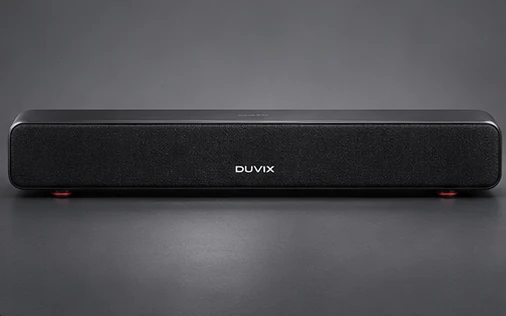
Identify the audio return ports
Check whether both devices list HDMI ARC or eARC and find the ports identified in their manuals. An ordinary HDMI input on a projector does not necessarily return audio. Connect the designated ports, then select the appropriate input on the soundbar.
Start with a simple audio format
Enable the projector’s external audio setting and any device control option the instructions require. If there is no sound, test with stereo PCM where supported. Try the audio format you plan to use only after the basic connection works, since both devices must support it.
Plan for devices without ARC
If the projector lacks ARC, look for another supported audio output or an audio path through your source or receiver. Some setups may need a dedicated audio extractor. Check the exact ports, supported formats and volume controls before buying an accessory.
Browse related DUVIX products → · Request a quote →
What to test first
Check that both HDMI ports support ARC or eARC as required, then confirm the audio formats shared by both devices.