
Projector Blurry on One Side: How to Fix Uneven Focus
If subtitles or menu text look sharp on one side and soft on the other, first check the projector’s own menu or built-in focus grid. This helps you work out whether the blur starts in the installation or in the connected source.
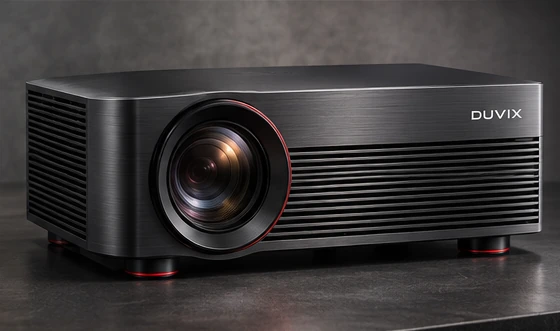
Check projector alignment
Set the projector on a stable surface within its specified throw range. For a conventional lens, check that the front of the projector is square to the screen and follow the manual for its vertical offset. Temporarily return digital keystone to neutral, then focus the centre and compare the corners.
Check the projection surface
Look along the wall or screen from the side for bulges or ripples. A UST projector can make uneven surfaces especially visible. Follow the model’s warm-up guidance before a final focus adjustment and let a unit moved from a cold room reach room temperature if you see condensation.
Isolate source problems
If the built-in pattern is clear, check the playback device’s output resolution, scaling and any overscan settings. If one side of the pattern remains soft after alignment and surface checks, save photos of the pattern and contact the supplier with the model and throw distance. See lens shift and keystone basics.
Reference guide from Epson troubleshooting guide for fuzzy or blurry images.
What to test first
Use a focus grid and square the projector to the screen before deciding whether the corner softness needs a service check.