
Wireless Presenter Remote Malaysia: Slide Clicker Guide
Test a slide clicker with your own laptop, slides and presentation software before using it at a workshop.
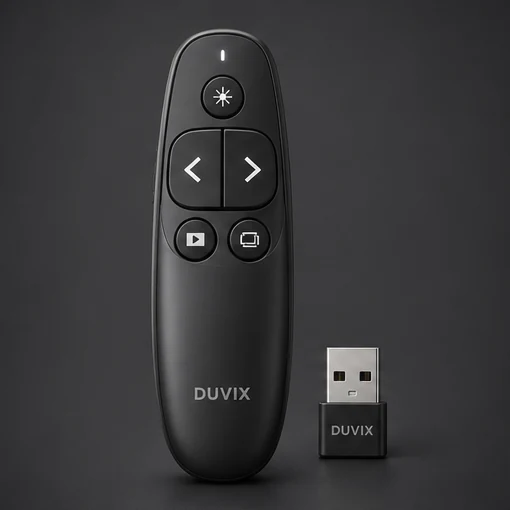
Hand it to the trainer
Start the slide show, walk to the far side of the room and advance one slide at a time. Return to the previous slide without looking at the buttons. If your slides contain animations, check that each press advances one animation in the intended order. Repeat after the laptop wakes from sleep.
Pack for the next venue
Look at the ports on the trainer’s laptop before choosing a receiver. If an adapter is needed, test the receiver through that adapter. Give the receiver a permanent spot in the case and record what needs charging before the next session.
Wireless Presenter Remote · Request a quote
What to check at school
Test slide navigation on the venue computer and check receiver compatibility and range from the speaker’s position.