
USB-C Docking Stations for Meeting Rooms in Malaysia
Test screen sharing, laptop charging and guest changeovers before choosing a USB-C dock for a shared meeting room.
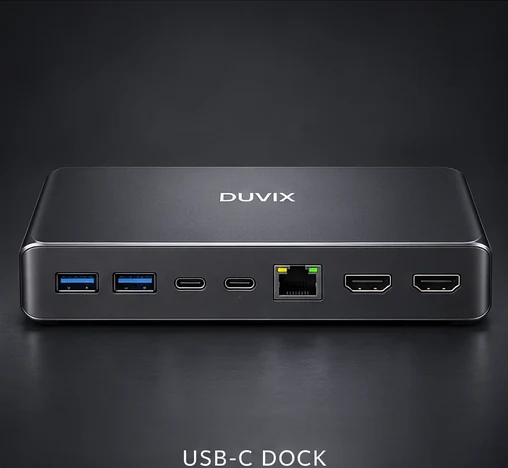
Bring the laptops people actually use
List the laptop models used by staff and regular visitors. Ask the supplier to demonstrate each one with the room’s actual display and cable. Start from a closed laptop, connect it, then share a spreadsheet with small text. Record which port and settings worked for each model.
Check charging during a real meeting
Try a video call with the camera on and the screen connected. Note whether the laptop reports charging and whether its battery rises or falls over the meeting. Ask what power reaches the laptop with the proposed dock and power supply together.
Hand the room to the next presenter
Unplug the first laptop and connect a second one while the meeting is running. Check which screen, camera and speaker it selects. Before ordering, ask for an itemised RM price including the power supply and replacement host cable. Label the tested cable and leave a short connection note on the table.
What to test in the meeting room
Test the dock with the laptop models your guests use, including display output, webcam, network and charging.