
Projector Screen vs White Wall: Image Quality Compared
A clean, matte wall is a practical way to test projector placement and image size before investing in a screen. Try it during the times you expect to watch so you can see where the surface or room light affects the picture.
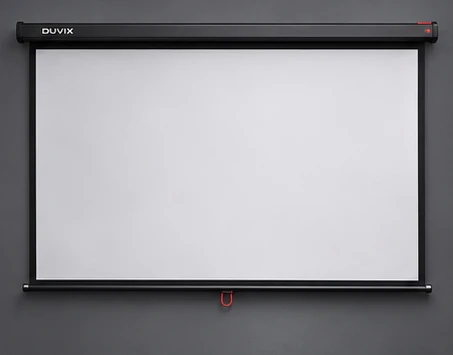
Test with three images
Project a full-field white image to spot colour casts and marks, a focus grid to reveal surface waviness and a dark movie scene to see how room light affects shadows. Inspect the wall from the sofa and then up close. Make a note of seams, switches and uneven paint.
Choose a screen to solve a visible problem
A tensioned screen gives you a more predictable surface if wall texture or unevenness is visible. Consider a retractable screen when the wall is shared with other furniture or decor. For UST, look for a flat surface rated for the lens geometry and follow the manufacturer’s installation directions.
Sample before you buy
If possible, place a material sample on the wall during a demo and compare from the middle and side seats. Direct daylight and glossy furniture can affect both surfaces, so test with curtains drawn and then open. Explore DUVIX screen concepts after you know which problem the screen needs to solve.
Reference guide from BenQ guide to projection screen materials.
What to compare before buying
Try a projected scene on the painted wall first. Check for visible texture, colour tint and glare before buying a screen.