
Document Cameras for Classrooms: What to Test
Test a document camera with a moving hand and a real object as well as a printed page.
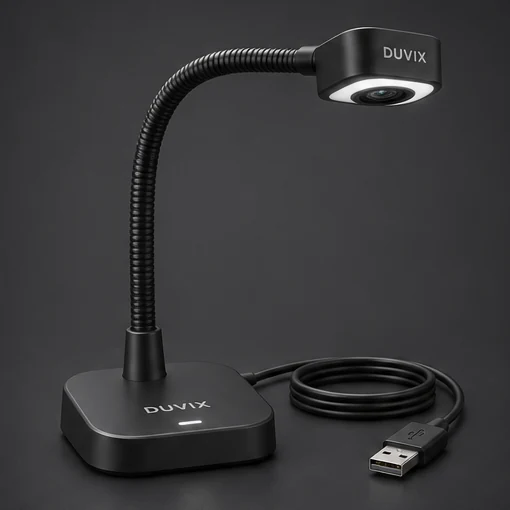
Set up the teacher’s workspace
Place a ruler, an exercise book and a small object beneath the camera. Mark the area visible to the class. Write near each corner and ask a pupil at the back to read it. Turn the object slowly and check whether detail stays clear when the teacher’s hand enters the frame.
Try a remote lesson
Join a practice call from a second device. Share the camera view, change to a slide and return to the demonstration. Ask the remote viewer to read a measurement on the ruler. Record which input and sharing method worked so another teacher can repeat the setup.
USB Document Camera · Request a quote
What to check at school
Show a glossy workbook and a handwritten page in a demo to check glare, focus and readability.